Home Screen widgets
Choose Delivery Health, Problem Queue, or Recent Events to see the latest saved overview. Widget refresh timing is controlled by iOS; a widget is not a continuous live feed.
 MailOps
Monitor transactional email on iPhone with MailOps. Check Resend and Mailgun activity, investigate delivery failures, and keep useful alerts close. Live monitoring, analytics, alerts, and widgets require MailOps Pro.
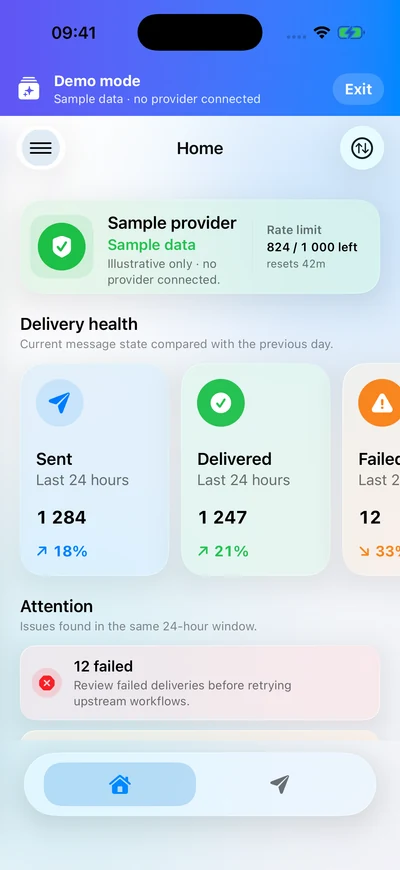
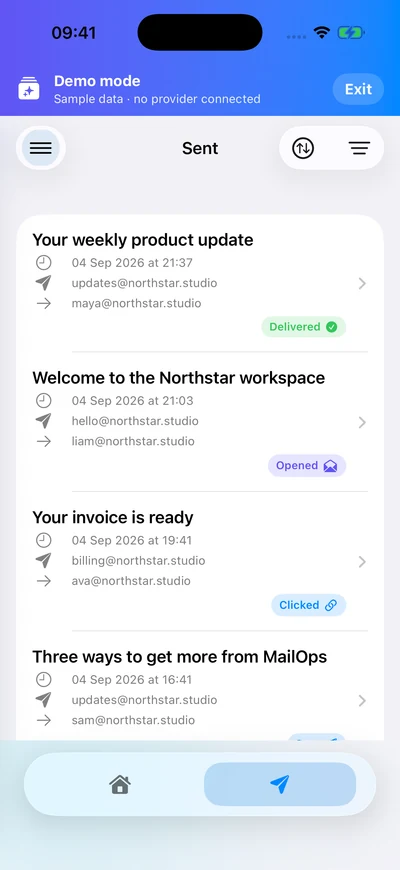
MailOps keeps the path from signal to context short, even when you are away from your desk.
Provider status, rate limits, delivery counters, trends, and recent events stay visible.
Move from the signal into sent mail, templates, webhooks, domains, keys, or logs.
Set preferences for delivered, bounced, failed, opened, clicked, and received events.
Provider API keys stay in the iOS Keychain, with optional Face ID or Touch ID protection for key management. Resend OAuth sign-in uses encrypted server-side tokens.
API keys are stored locally and scoped by workspace.
Templates, sent mail, inbound routes, automations, events, contacts, domains, keys, and logs stay close.
Create endpoints, subscribe to event types, and keep signing secrets encrypted.
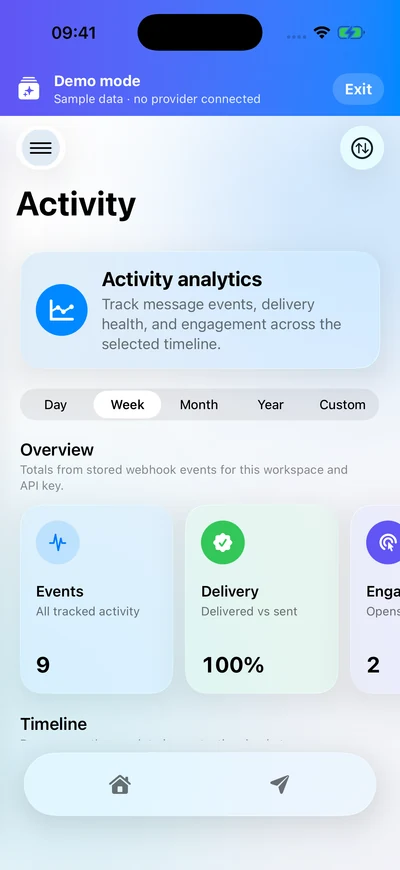
MailOps is in development for iPhone. Explore the current app and find out what is planned for launch.
MailOps Pro unlocks live monitoring, analytics, alerts, and Home Screen widgets.Choose Delivery Health, Problem Queue, or Recent Events to see the latest saved overview. Widget refresh timing is controlled by iOS; a widget is not a continuous live feed.
Compare delivery and engagement events by day, week, month, year, or a custom date range. Explore the timeline for your selected workspace and provider connection.
Tour the app with sample data and no credentials. For connected accounts, switch between workspaces you belong to and keep provider activity in context.